These 6 Alfred Workflows Can Help You Increase Your Productivity
Become an Alfred Powerpack Power User!

Hey 👋🏻,
I am a Software Engineer from Austria 🇦🇹. I am interested in, write about, and develop (open source) software solutions for and with JavaScript, TypeScript, ReactJs, and NodeJS.
You can see what I am currently up to on natterstefan.me.
In the past, I was Product Owner of RAWR, Growth Hacker at the Speedinvest Startup Studio and Online Advertising Manager. Check out my LinkedIn profile for more details.
📬 Get in touch- Twitter: twitter.com/natterstefan
- Blog: dev.to/natterstefan
- Web: natterstefan.me
- LinkedIn: linkedin.com/in/natterstefan
📧 Sign up for my newsletter.
Alfred has increased my productivity by large ever since I installed it. It has replaced the default Spotlight search of macOS and is my helper whenever I need it. With a few keyboard shortcuts, I get fake data for my apps, shorten links, check out books on Goodreads, need help with JavaScript, and more. It’s fantastic.
I promised Chris and Bruno on Twitter the other day that I would show them more of my workflows and try to convince them to buy Alfred's Powerpack. Today I'll show you an excerpt from my 50+ workflows. Start small first.
The list of workflows I have today is a mix of productivity tools for Web Developers and Mac Users in general. All you need is Alfred and as I said Alfred’s Powerpack. Let's go!
Alfred Workflows
Bitly URL Shortener
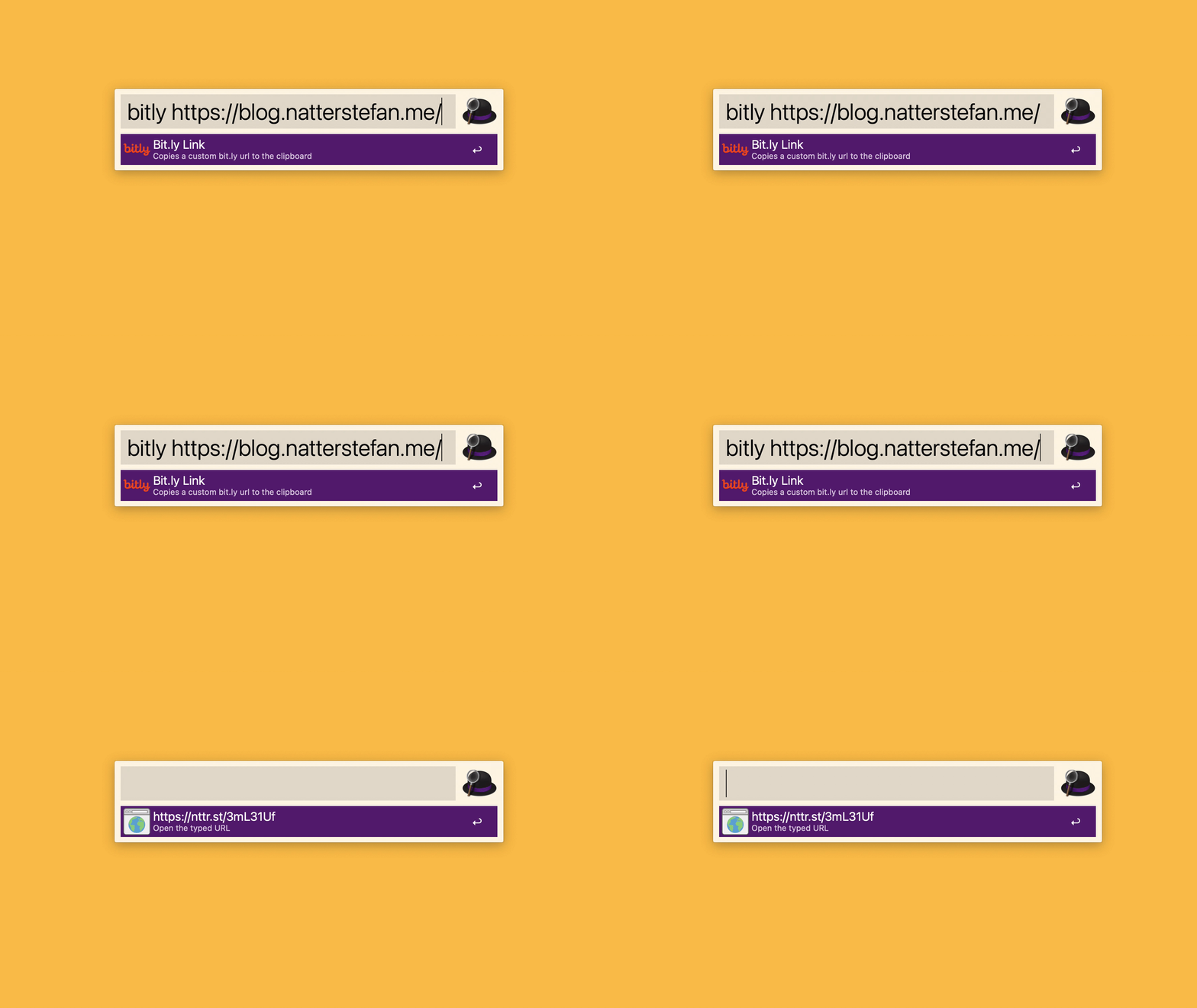
Attentive readers and Twitter followers may have noticed that I have my own short domain: nttr.st. This points to Bitly, which I use as a URL shortener service. With this workflow, I create short links without visiting Bitly. All you have to do is install the workflow, insert your Bitly Access Token and you're good to go.
Can I Use
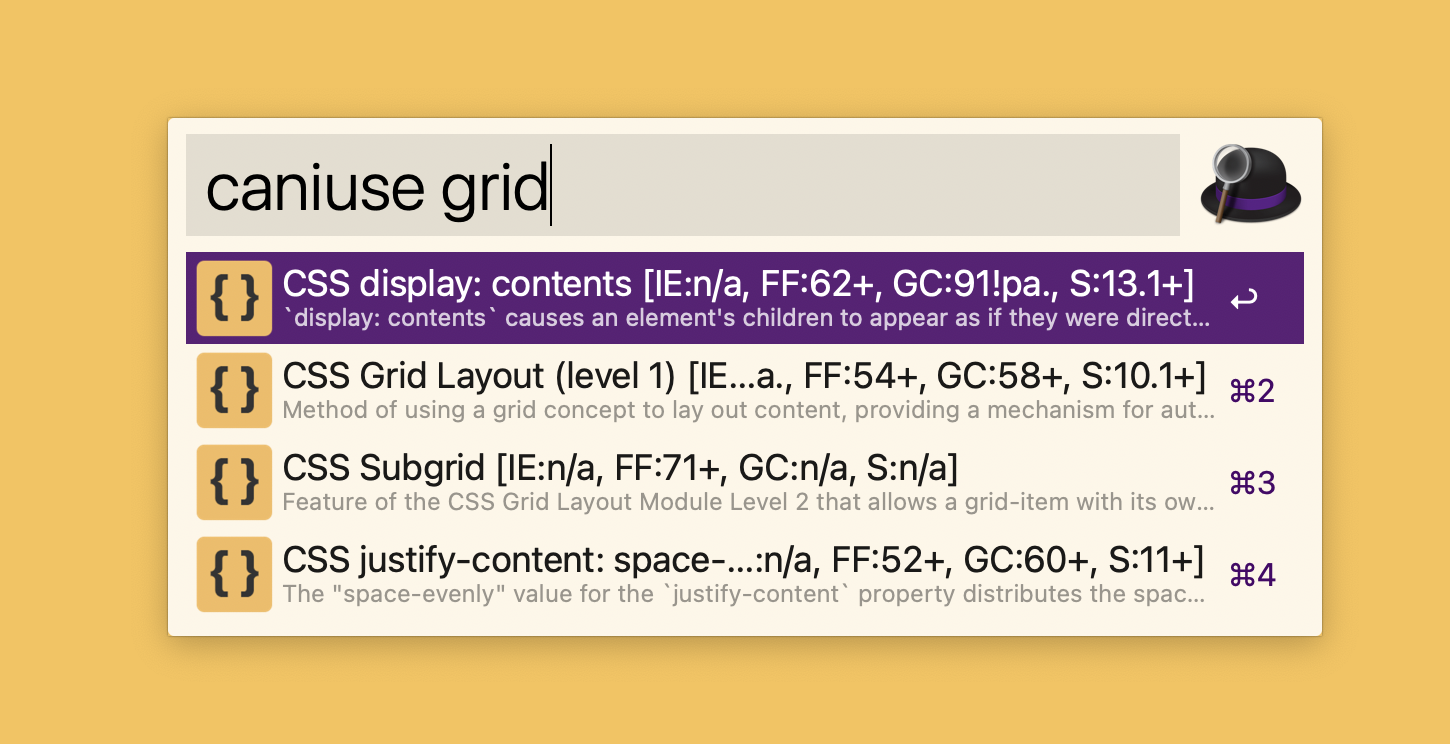
Can I use this feature in Safari (the new IE)? I have asked this workflow many times and was promptly directed to the appropriate CanIUse page.
Lorem Ipsum
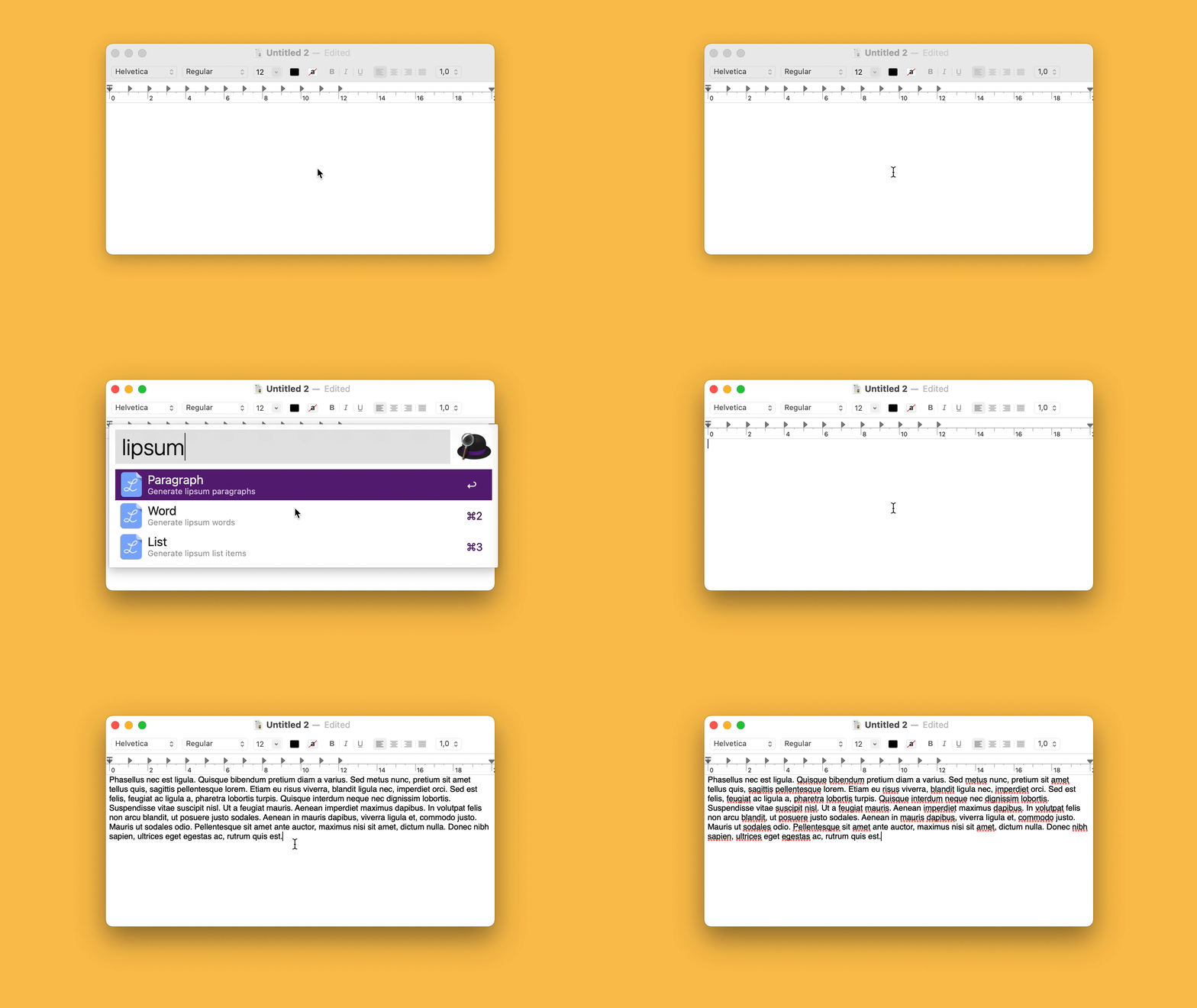
This is definitely one of my most used workflows. How often do you need a placeholder text? With this workflow, I have one right away.
Refresh Wifi
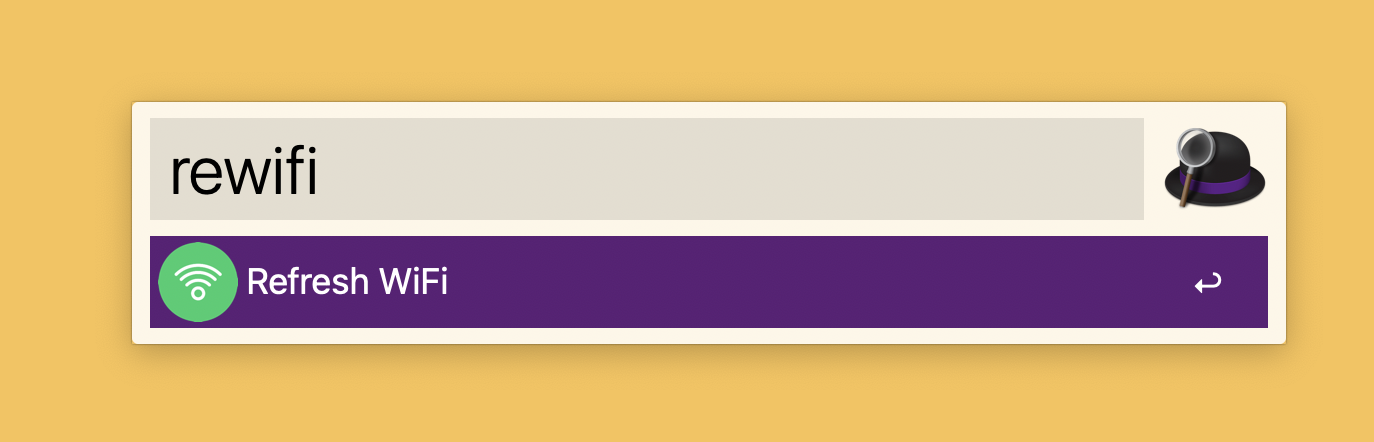
"Have you ever turned your WiFi off and on again?" this question is not as classic as the one with the computer restart, but nevertheless this skill has already solved one or the other network problem for me. With a few taps on the keyboard, the WiFi is first turned off and then turned on again.
Shush!
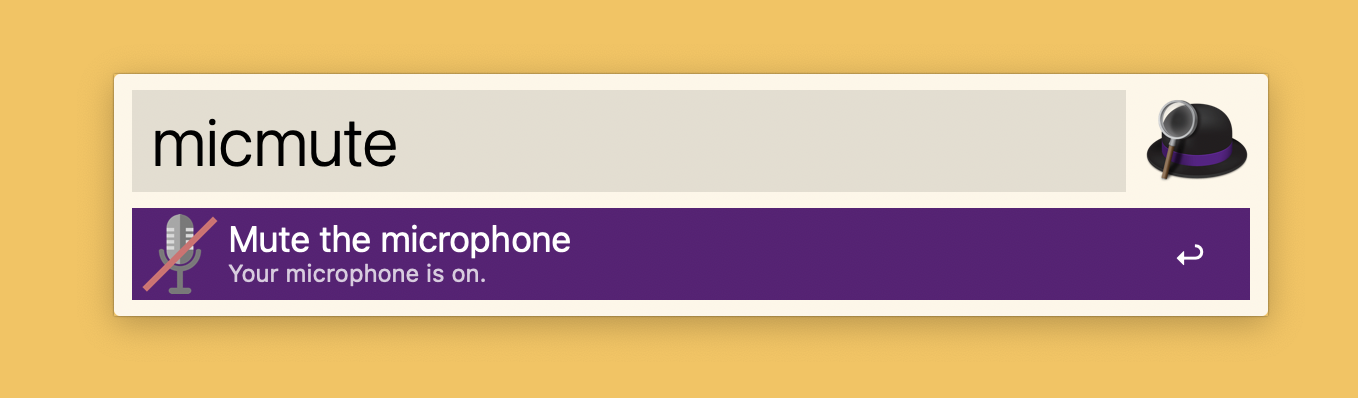
Meetings on Zoom and Co. are no longer a rarity. Every day I spend time in various apps to see my work colleagues, customers, and friends. Some have easy to remember shortcuts to mute the microphone, others do not. The problem is that they all use different shortcuts to quickly mute themselves. That's why this skill is very helpful for me. With my own keyword, I can now toggle the microphone. A tip if you use this workflow, check out this issue to fix a volume issue.
Share 💛
Do you like this article? Do you want to support me? Tell your friends on Twitter about it. Thank you!
Questions and Feedback
You got any questions or want to add your thoughts? Let me know in the comments below, please.